5 Best Free SEO Tools for Small Businesses
By Marta Ellison · Published · 4 min read
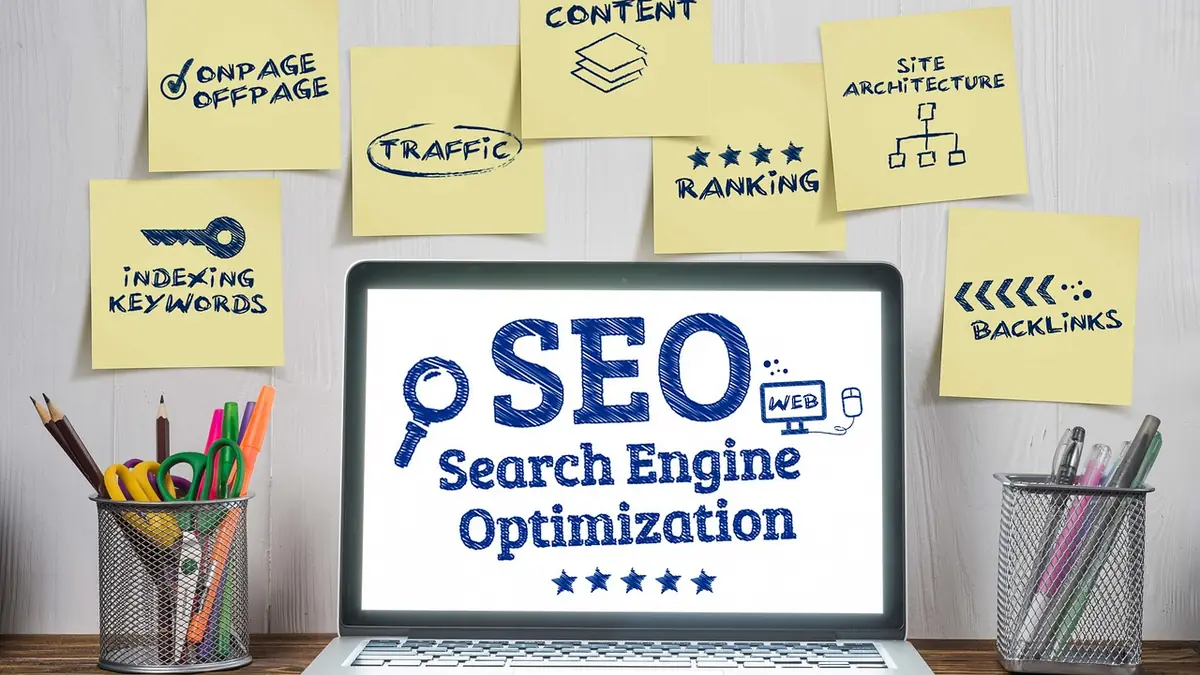
You don't need a paid subscription to get started with SEO. For small businesses, the right free tools can cover keyword research, technical audits, and rank tracking—enough to build a solid foundation and see real progress.
We reviewed five free tools that deliver practical value without hidden costs. Each excels in a specific area, so you can mix and match to cover your needs. Here's what works and what to expect.
Google Search Console: The Essential Free SEO Tool
Google Search Console (GSC) is non-negotiable for any small business website. It shows how Google sees your site, including which queries bring up your pages, your average position, and any indexing errors. Setup takes minutes: verify ownership via DNS or HTML tag, and you're in.
Use the Performance report to find queries where you rank on page two or three—those are quick wins. The Coverage report flags pages that aren't indexed, which is often the first sign of a technical issue. For a deeper dive, our guide on how to fix indexing problems in Google Search Console walks through common fixes.
GSC also provides mobile usability alerts. Since mobile-friendliness affects rankings, check our mobile-friendliness SEO checklist to ensure your site passes. The data is free, unlimited, and directly from Google—no other tool gives you that.
- Best for: site health, search performance, indexing
- Free forever, no usage limits
- Data directly from Google
Google Keyword Planner: Keyword Ideas and Volume
Google Keyword Planner is designed for ads but works well for SEO research. You can get keyword ideas, estimated search volumes (as ranges), and competition levels. The catch: to see precise volumes, you need an active Google Ads campaign. Without one, you'll see broad ranges like '1K–10K'.
Even with ranges, Keyword Planner helps you spot high-level opportunities and seasonal trends. Pair it with free methods to find low-competition keywords—our article on finding low-competition keywords for free shows how to use autocomplete, forums, and 'people also ask' to uncover gems.
For local businesses, Keyword Planner includes location targeting, so you can see volumes for your city or region. That's valuable for service-area businesses that can't compete nationally.
- Best for: keyword discovery and volume trends
- Requires Google Ads account for precise data
- Includes location and language targeting
Ubersuggest: Limited Free Searches with Solid Data
Ubersuggest offers a free tier with three searches per day. That's enough for quick checks on a handful of keywords. You get keyword volume, difficulty, and a content ideas tab that surfaces popular pages for a term. It's a handy supplement to Google's tools.
The free version also provides a basic site audit—up to 100 pages per report—which can catch missing meta descriptions or broken links. For a small site, that's often sufficient. Just be aware that the daily limit can be frustrating if you're doing deep research.
If you're weighing whether to invest in paid tools, our breakdown of SEO costs for small businesses can help you budget. Many paid tools start around $30–$100 per month, so free options are a good way to validate the need before committing.
- Best for: quick keyword checks and basic audits
- 3 free searches per day
- Site audit up to 100 pages
| Tool | Best Use Case | Free Tier Limits | Standout Feature |
|---|---|---|---|
| Google Search Console | Site health and performance | Unlimited | Direct data from Google |
| Google Keyword Planner | Keyword volume and trends | Precise data requires active Ads campaign | Location targeting |
| Ubersuggest | Quick keyword checks | 3 searches per day | Content ideas tab |
| Screaming Frog | Technical audits | 500 URLs per crawl | Detailed on-page reports |
| Google Trends | Seasonality and demand shifts | Unlimited | Relative interest over time |
| Google Business Profile | Local visibility | Unlimited | Customer insights and reviews |
Screaming Frog SEO Spider: Free Crawling for Small Sites
Screaming Frog's free version crawls up to 500 URLs—plenty for most small business sites. It mimics a search engine bot and reports on title tags, meta descriptions, headings, status codes, and more. You can spot duplicate content, missing alt text, and redirect chains quickly.
The interface is desktop-based (Windows, Mac, Linux) and can feel technical, but the default reports are straightforward. Run a crawl after major site changes to catch issues early. For ongoing monitoring, combine it with GSC.
One limitation: the free version doesn't include JavaScript rendering or scheduled crawls. But for static sites or simple WordPress setups, it's a powerhouse. Set aside an hour to learn the basics—it pays off.
- Best for: technical audits on sites under 500 pages
- Desktop app, no cloud version
- Free forever with 500 URL limit
Google Trends: Spotting Shifts in Demand
Google Trends shows how search interest for a topic changes over time and by region. It's not a keyword volume tool, but it's excellent for validating demand, spotting seasonality, and comparing terms. For a small business, that can inform content calendars and promotions.
For example, if you run a garden center, you'll see that searches for 'planting vegetables' spike in spring. You can plan blog posts accordingly. Trends also helps you avoid dead terms—if interest is declining, maybe don't build a campaign around it.
Keep an eye on algorithm updates that might affect your traffic. Our guide on reading Google algorithm updates without panicking explains how to separate real issues from noise. Trends is a good sanity check: if your traffic drops but overall interest is steady, the problem might be technical.
- Best for: seasonality and comparative interest
- Free, no limits
- Data is relative, not absolute volume
Google Business Profile: Free Local Visibility
For local businesses, Google Business Profile (GBP) is the most important free tool. It powers your listing in Maps and local search results. Claiming and optimizing your profile can drive calls, direction requests, and website visits—at no cost.
Key steps include completing every field, adding photos, collecting reviews, and posting updates. Our Google Business Profile optimization checklist covers the essentials in detail. Many small businesses see significant lift just from a well-maintained profile.
GBP also provides insights: how many people found you via search vs. maps, and what actions they took. Use that data to refine your local SEO strategy.
- Best for: local SEO and customer engagement
- Free listing, free insights
- Critical for service-area and brick-and-mortar businesses
- Google Search Console is the most important free tool—set it up first.
- Use Keyword Planner for volume ranges and Trends for seasonality.
- Ubersuggest's free tier is limited but useful for quick checks.
- Screaming Frog free crawls up to 500 URLs, enough for most small sites.
- Optimize your Google Business Profile for local visibility at no cost.
Marta has spent years helping small businesses make sense of search marketing without the jargon. She focuses on practical SEO audits, local visibility and content strategy for owner-run companies. Her writing aims to turn confusing ranking advice into steps anyone can follow.